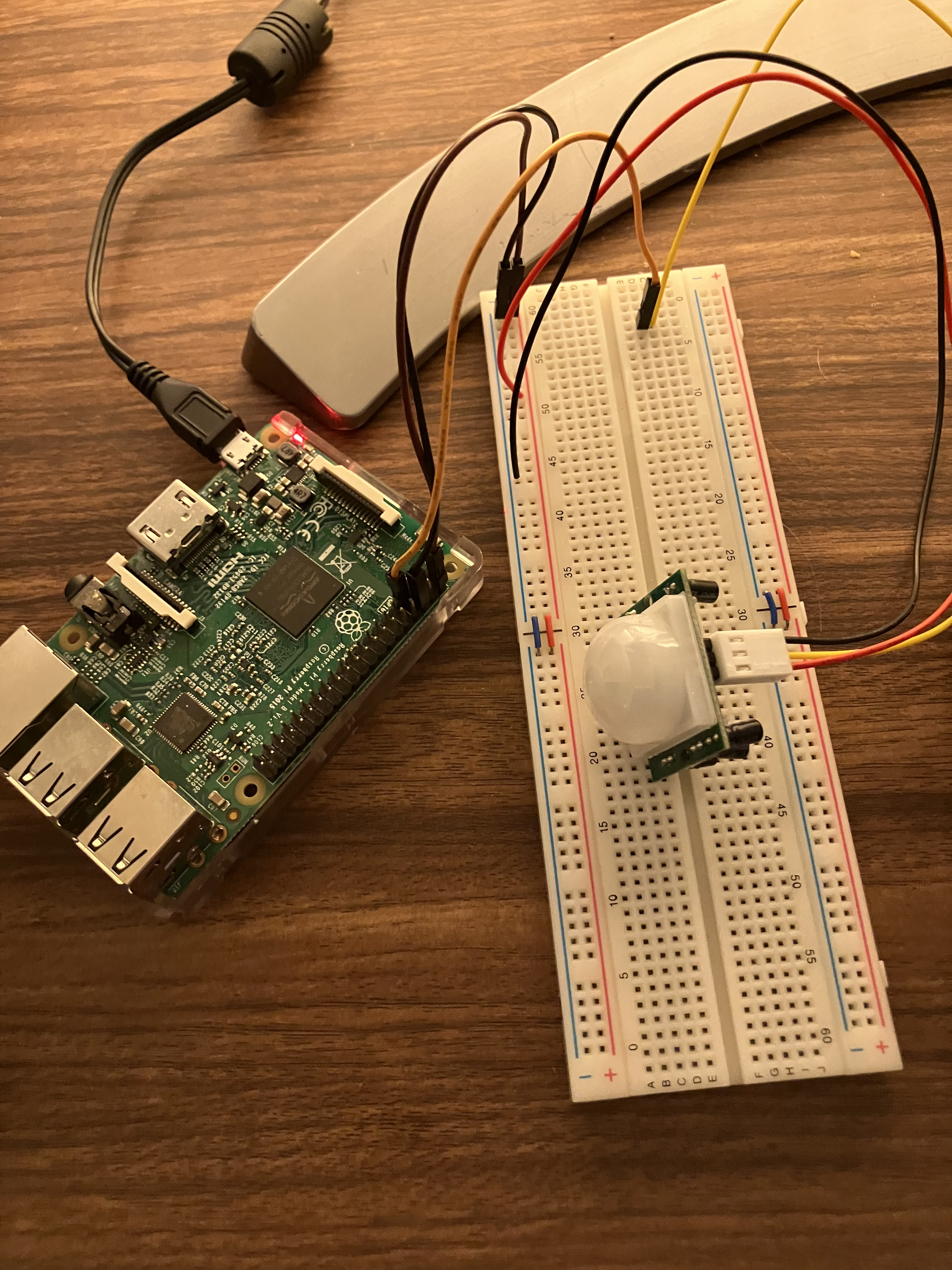

🔗 Code can be found here: home-lab-lighting/lab
I wanted to build automated lighting for my home office. I used an old rapberry pi 3 that I had laying around, a PIR sensor, and my Hue Bridge to automate turning on my lights when entering the room.
TL;DR I created a systemd service on the Pi to monitor motion detection from the PIR sensor. If no motion is sensed after 30 minutes, the lights will turn off.
I recommend enabling SSH access on your pi, and interfacing with it that way.
git clone https://github.com/sammydowds/home-lab-lighting.git
python3 setup_hue_env.py
This will output a file into your pi's home directory which the service references for its environment variables. It is also responsible for setting up a group of lights and will require your input for that.
./start_service.sh
This will copy over the lighting.service file into /etc/systemd/system, enable it, and start the service.
./remove_service.sh
This will stop and remove the service folder from systemd.
MIT (or your preferred license)